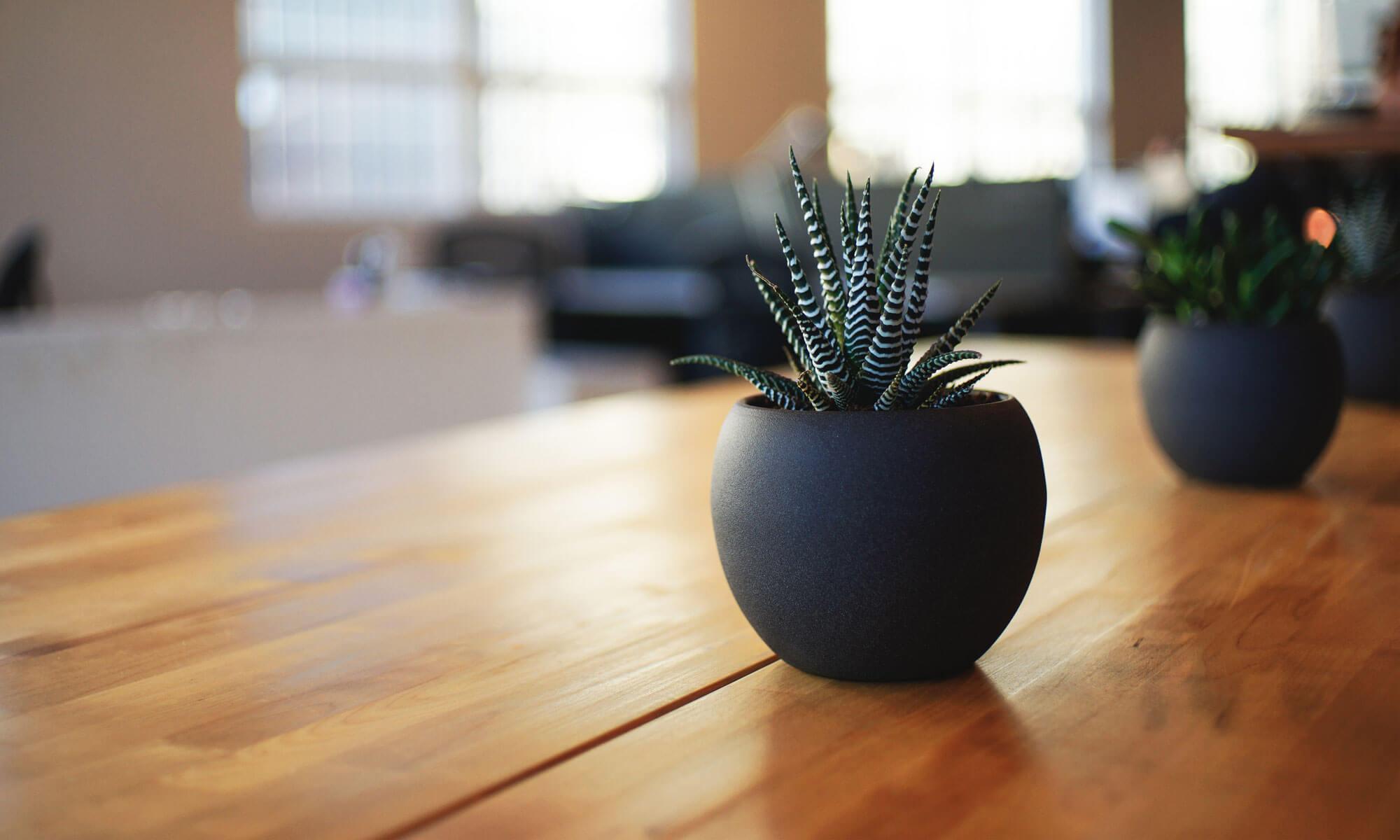
Light patterns in product photography are about shaping light to reveal texture, form, and detail while controlling reflections and shadows. Here’s how they work:
1. The Core Principle: Light Has Direction, Size, and IntensityEvery light pattern is defined by three variables:Variable What It Controls EffectDirection Where light comes from Shadows, highlightsSize How large the source is Soft vs. hard shadows Intensity How bright it is Contrast, moodThe bigger the light source, the softer the shadows. The closer the light, the softer it becomes.
2. The Five Key Light PatternsPattern
1: Flat Lighting (Even)“`Light → Product → Camera“`· Light directly behind camera· Effect: No shadows, even exposure· Best for: E-commerce, catalog, documents· Limitation: Flat, no depthPattern 2: Side Lighting (Texture)“`Light → Product ↓ Camera“`· Light from 90° side· Effect: Reveals texture, surface detail· Best for: Wood, fabric, leather, food· Limitation: Deep shadows on opposite sidePattern
3: Rembrandt Lighting (Form)“`Light → Product ↓ (45°) Camera“`· Light at 45° above and to side· Effect: Triangle of light on shadow side· Best for: Portraits, sculptural products· Limitation: Requires fill lightPattern
4: Backlighting (Silhouette/Edge) Light → Behind Product → Camera Light behind product· Effect: Glowing edges, silhouette· Best for: Glass, transparent items, drama· Limitation: Product face underexposedPattern
5: Top Lighting (Even + Shadow)“`Light → Above Product ↓ Camera“`· Light directly above· Effect: Even top, shadow below· Best for: Flat-lay, food, cosmetics· Limitation: Harsh shadows underneath3. How Light Size Changes EverythingLight Size Shadow Type Best ForSmall (bare bulb) Hard, sharp Drama, textureMedium (softbox) Soft, gradual General productLarge (scrim) Very soft, even Jewelry, reflectiveGiant (wall bounce) Shadowless High-key, cleanThe rule: The larger the light relative to the product, the softer the shadow.
4. How Light Position Changes the Look“` Top |Left —-+—- Right | Bottom“`Position Effect UseFront Flat, even Catalog 45° side Depth, form Most products90° side Texture, drama Wood, fabricBack Edge, glow Glass, transparentTop Even, shadow below Flat-layBottom Unusual, eerie Creative
5. How Light Modifiers Shape the PatternModifier What It Does PatternSoftbox Large, soft source Even, gradualBeauty dish Focused, soft Center bright, edge falloffUmbrella Broad, even Wraps around productSnoot Narrow beam SpotlightBarn doors Cuts light Controlled spillGrid Directional Tight beamScrim Diffuses Soft, evenReflector Bounces Fill shadows
6. How Reflections Work on ProductsReflective products (glass, metal, glossy plastic) don’t show light patterns — they show reflections of the light source: Light source → Reflection on product → Camera The rule: For reflective products, you light the reflection, not the product.Product Lighting StrategyGlass Backlight + white backgroundMetal Large white card + dark edgesGlossy plastic Tent + gradient reflectionJewelry Light tent + pinpoint highlights
7. How Shadows Create DepthShadows are not the enemy — they define shape:Shadow Type Effect UseHard shadow Strong form, drama Art, moodSoft shadow Subtle depth CommercialNo shadow Flat, clean E-commerce Gradient shadow Natural, 3D Most productsKey: Shadows tell the brain where the product ends and the background begins.
8. The Three-Light Setup (Classic Pattern) Key light (main) ↓Fill light (shadows) → Product → Camera ↓Back light (separation) Light Role Position Key Main illumination 45° sideFill Soften shadows Opposite sideBack Separate from background BehindResult: Controlled, professional, repeatable.
9. The One-Light Setup (Minimal Pattern)“`Light → Diffuser → Product → Camera ↓ Reflector“`· One light + diffuser· White foam board as reflector· Best for: Beginners, small products· Result: Natural, soft, simple
10. How Light Patterns Affect ColorPattern Color EffectWarm light Cozy, invitingCool light Clean, clinicalNeutral (5500K) Accurate, trueMixed Creative, moodyFor product accuracy: Use 5500K daylight-balanced light.
11. How Light Patterns Affect TextureTexture Best PatternSmooth Large soft lightRough Side light (raking)Glossy Tent + reflection controlMatte 45° soft lightTransparent Backlight + edge lightMetallic Gradient reflection
12. The Full Light Pattern Pipeline“`Light source ↓Modifier (softbox, umbrella, snoot) ↓Direction (front, side, back, top) ↓Size (small, medium, large) ↓Intensity (bright, dim) ↓Reflection control (tent, card, flag) ↓Shadow control (fill, reflector) ↓Product receives light ↓Camera captures pattern ↓Image shows form, texture, detail
13. Real-World ExamplesProduct Light PatternWatch Large softbox above + reflectors Bottle Backlight + side gradientShoes 45° key + fill + backJewelry Light tent + pinpointFood Side + back + fillElectronics Large scrim + gradientCosmetics Top + front + reflectorFurniture Large softbox + fill
14. Common MistakesMistake Result FixLight too small Harsh shadows Use larger modifierLight too close Hot spots Move back, diffuseNo fill Deep shadows Add reflectorWrong direction Flat or harsh Move to 45°Ignoring reflection Ugly highlights Use tent or card🔑 The Core IdeaLight patterns work by controlling four things:
1. Direction — where light comes from
2. Size — how soft or hard the shadow
3. Intensity — how bright or dim
4. Reflection — how light bounces off the productThe pattern is the shape of light on the product.It’s not about more light — it’s about the right light in the right place to reveal form, texture, and detail while controlling shadows and reflections.
Explore deeper into any specific pattern — like how to light glass, how to use a light tent, or how to create gradient reflections on metal?